

Connectors
One platform for all your integrations, standard or built on request. Powered by Pro4all Connect
Trusted by:










No items found.
No items found.
No items found.
No items found.
The essence
Your systems run side by side, not yet together
Construction teams work across SharePoint, ERP, CRM and Pro4all solutions. When those systems aren't connected, data gets entered twice, drifts out of sync and no one has the full picture. Pro4all Connect links them into one, without replacing what you already use.
No items found.


The power of Pro4all Connect
Four building blocks that make your IT landscape work as one

Marketplace
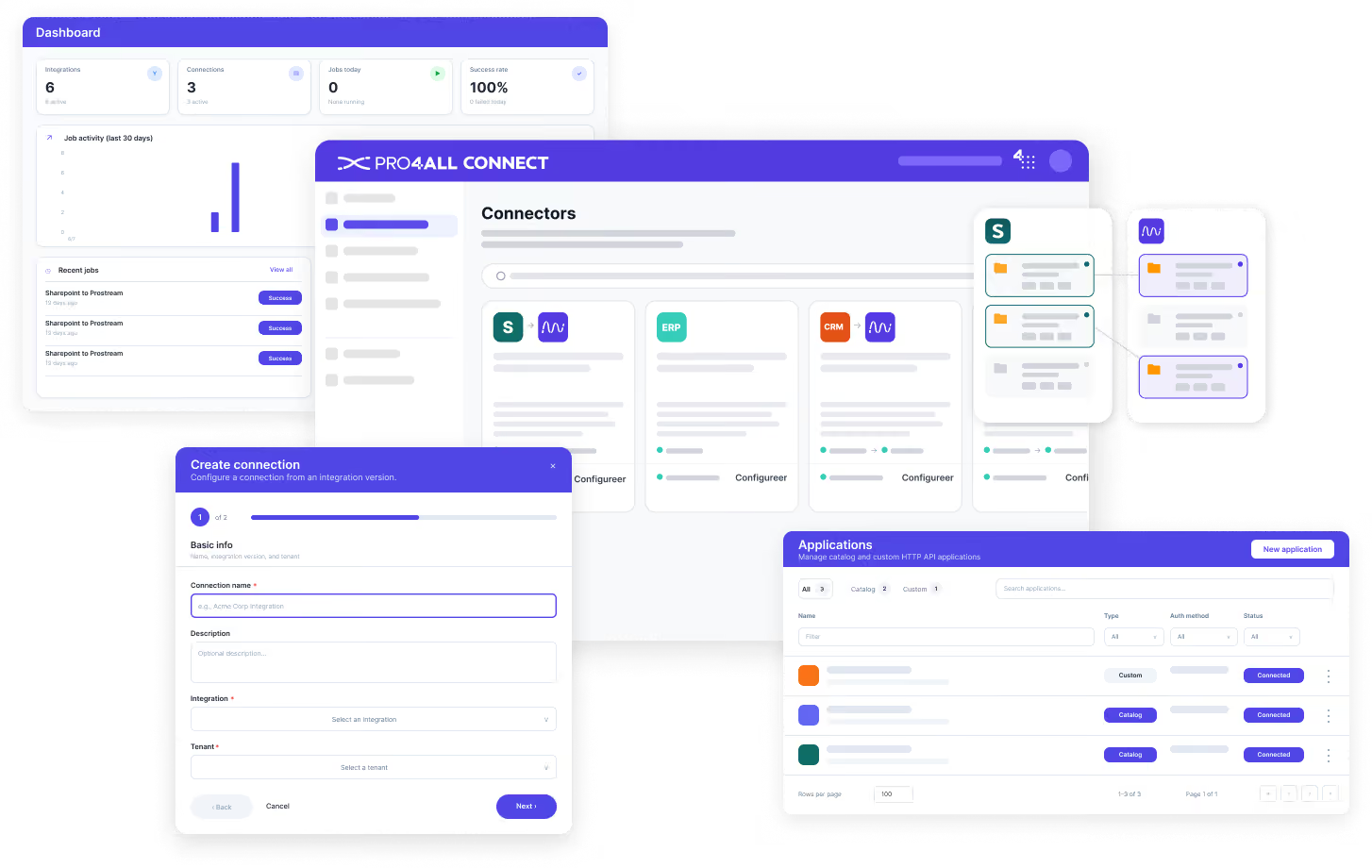
Every standard connection in one place. Activate what you need, pause what you don't, with no implementation wait.

Connections
Every connection is built, tested and maintained by us, standard or on request. No coding and no upkeep on your side.

Workflows
The rules behind each connection: what data moves, when and how. We build and test them; you set it once and it runs.

Monitoring
One dashboard for sync history, errors, audit logs and alerts. See what's happening and get flagged when something needs attention.
The benefits
Why choose Pro4all Connect?

Standard or custom, both covered
Pick a pre-built connection from the Marketplace, or request a custom one we build for your situation.
We build, you activate
Every connection is developed, tested and maintained by us. No in-house developers, no keeping track of whether the other side still works.
Cloud-first, local when needed
Standard connections work with cloud systems that expose an API. For custom connections we can also reach locally installed or on-premise software.
One platform to run it all
Standard connections, custom connections, all data and monitoring in the same place. One place to configure, one place to monitor.
Frequently asked questions about Pro4all Connect
Which connections are available in the Marketplace right now?
From Q2 2026 the SharePoint-to-Prostream connection is in closed beta, then rolls out to all customers. The platform supports a growing set of connections, and the Marketplace expands as they are built and tested.
Does Connect work with local software like Solibri or other desktop systems?
Via the Marketplace you connect cloud systems that expose an API. Need a connection to locally installed or on-premise software, or one not in the Marketplace yet? Request a custom connection.
Can I build my own workflows?
Not within standard connections; we develop, test and maintain those so they keep working reliably. You configure which folders, projects and filters apply. For custom connections we are happy to discuss your workflow requirements.
What if the API of a connected system changes?
We develop, test and maintain every connection. Any API change is handled by us, you don't need to do a thing.
How do I know if a connection is working?
The monitoring dashboard shows all sync actions, error notifications and statistics.
Make your systems work as one
Pro4all Connect links your systems so information flows once and stays in sync.

Partnership
Become a Pro4all Connect partner
Want to offer Pro4all Connect to your clients? Let's team up. As a reseller you help construction firms work smarter, and grow your own business while you do it.